One More Lawn Controls, Steering Wheel Calibration & System Requirements
Rebindable controls, racing wheel calibration, and PC system requirements
Choose your input setup below to view exact Options menu steps and prevent on-foot character or camera drift.
Run the step-by-step calibration wizard to bind steering, throttle, brake, and handbrake across separate USB devices (Logitech G29/G920, MOZA direct-drive, Fanatec) and rebind physical wheel buttons.
Complete input remapping, multi-device racing wheel calibration, and PC / Steam Deck hardware manual for One More Lawn. Covers keyboard and mouse rebinding (Update 0.9.18), controller toggle and Steam Deck fixes (Update 0.9.19), and separate USB wheelbase, pedal, and handbrake calibration for Logitech G29/G920, MOZA, and Fanatec rigs (Update 0.9.20).
Steering Wheel, Pedal & Handbrake Calibration Ledger (Logitech, MOZA, Fanatec)
One More Lawn treats the riding mower like a true sim-rig vehicle—complete with wet-asphalt handbrake drifting at Rubén's golf course parking lot and physical cockpit switches.
| Hardware / Input Class | Verified Models & Peripherals | In-Game Calibration & Binding Path | Demo 0.9.18–0.9.20 Hardware Fixes |
|---|---|---|---|
| Single-USB Racing Wheels | Logitech G29, G920, G923, Thrustmaster T150/T300 | Options > Controls > Wheel and Pedals > Calibrate | Update 0.9.18 added wheel button rebinding; Update 0.9.20 reworked pedal axis detection so combined or inverted pedals never make your character walk backward on foot. |
| Multi-USB Direct Drive Rigs | MOZA (R5/R9/R12 + SR-P/CRP Pedals), Fanatec CSL DD + USB Handbrake | Options > Controls > Wheel and Pedals (Multi-Device Wizard) | Update 0.9.20 added simultaneous multi-device input so a MOZA or Fanatec wheelbase, standalone USB load-cell pedals, and a USB handbrake all work together for wet-surface mower drifting. |
| Gamepads & Steam Deck | Xbox Wireless, DualShock 4, DualSense, Valve Steam Deck | Options > Controls > Use Controller + Keys and Buttons | Update 0.9.18 improved Steam Deck triggers and D-pad menus; Update 0.9.19 added the Use Controller toggle to eliminate camera spinning when switching back to mouse. |
| Keyboard & Mouse | All standard PC keyboards and multi-button mice | Options > Controls > Keys and Buttons | Update 0.9.18 enabled full custom keybinding and stopped left-click object interactions (like opening the grill lid) from triggering an accidental punch. |
How to Fix Wheel Pedal Walking Drift & Calibrate Multi-USB Sim Rigs
Early Demo players with Logitech G920 or MOZA sim rigs reported two classic hardware conflicts in Steam Community discussions: rested pedal axes making the player walk backward when dismounting the mower on foot, or separate USB pedals failing to register alongside a direct-drive wheelbase.
Demo Update 0.9.20 completely overhauled Options > Controls > Wheel and Pedals. Run the built-in calibration wizard to assign steering rotation, throttle pedal, brake pedal, and handbrake across multiple independent USB controllers simultaneously. Once calibrated, pedal inputs apply strictly to the riding mower drivetrain and never push your character or camera while walking on foot with the String Trimmer or grass bags.
If you keep a gamepad or racing wheel plugged into your PC while playing primarily with keyboard and mouse, open Options > Controls and switch off the Use Controller toggle (added in Update 0.9.19) so resting analog sticks or wheel centering springs never interfere with mouse look.
Official PC System Requirements, Dedicated GPU Check & Steam Deck Notes
Verified minimum and recommended PC hardware specifications from the official One More Lawn Steam store page (App ID 5378110 and Demo App ID 5435400).
| System Component | Minimum PC Specification | Recommended PC Specification |
|---|---|---|
| Operating System | Windows 10 (64-bit) | Windows 10 / Windows 11 (64-bit) |
| Processor (CPU) | Intel Core i5-8400 or AMD Ryzen 5 2600 | Intel Core i7-9700K or AMD Ryzen 5 5600X |
| Memory (RAM) | 8 GB RAM | 16 GB RAM |
| Graphics (GPU) | NVIDIA GeForce GTX 1060 or AMD Radeon RX 580 | NVIDIA GeForce RTX 2060 or AMD Radeon RX 6600 XT |
| DirectX & Storage | DirectX Version 11 · 4 GB available disk space | DirectX Version 12 · 4 GB available SSD space |
Demo Update 0.9.19 added automatic dedicated graphics card selection on laptops and dual-GPU desktops, plus an on-screen warning if Windows forces the game onto integrated software graphics. Update 0.9.20 also resolved an AMD GPU driver crash that previously occurred when biting into a grilled sausage, and added safe-mode save recovery if a session ever freezes.
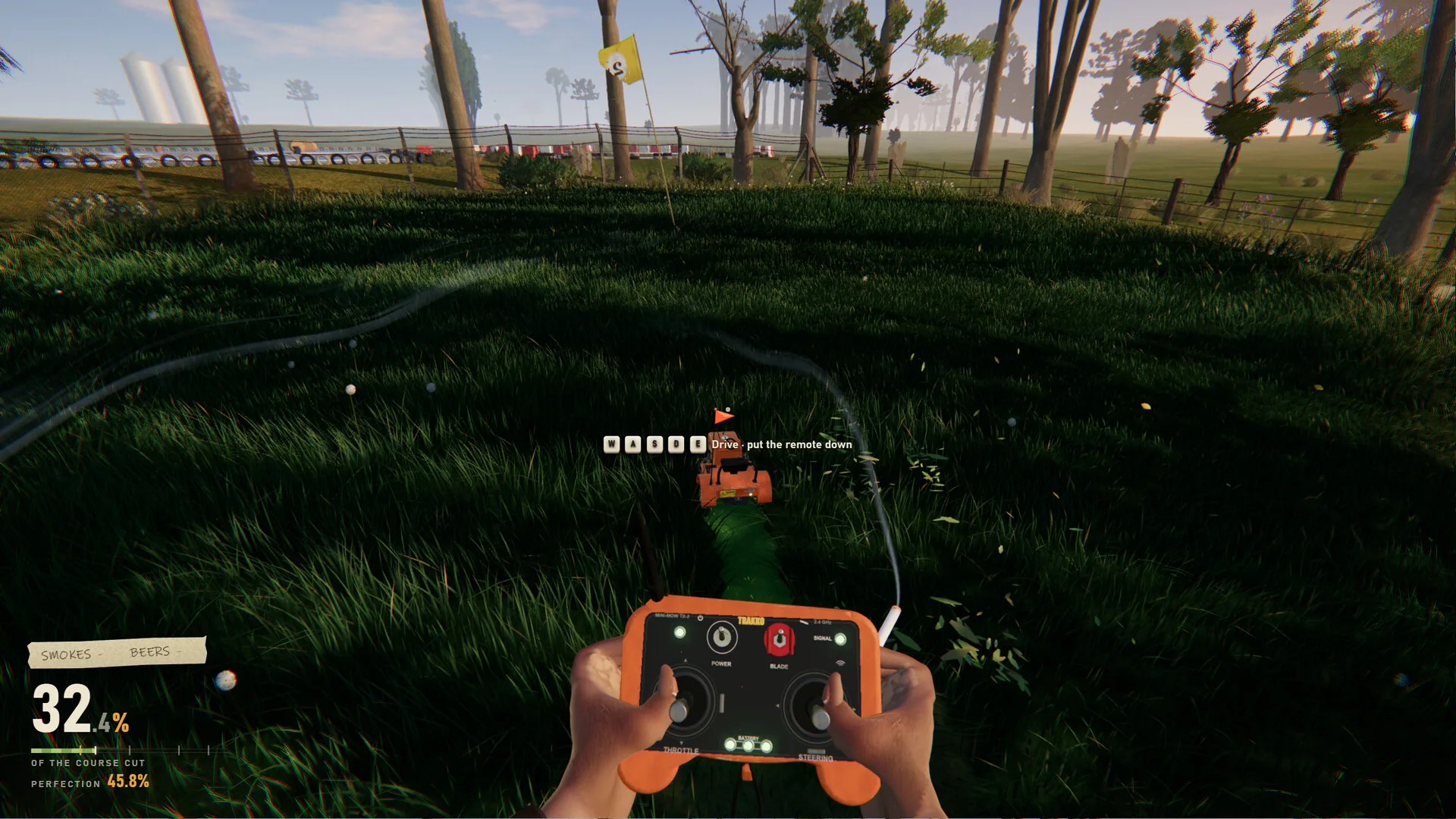
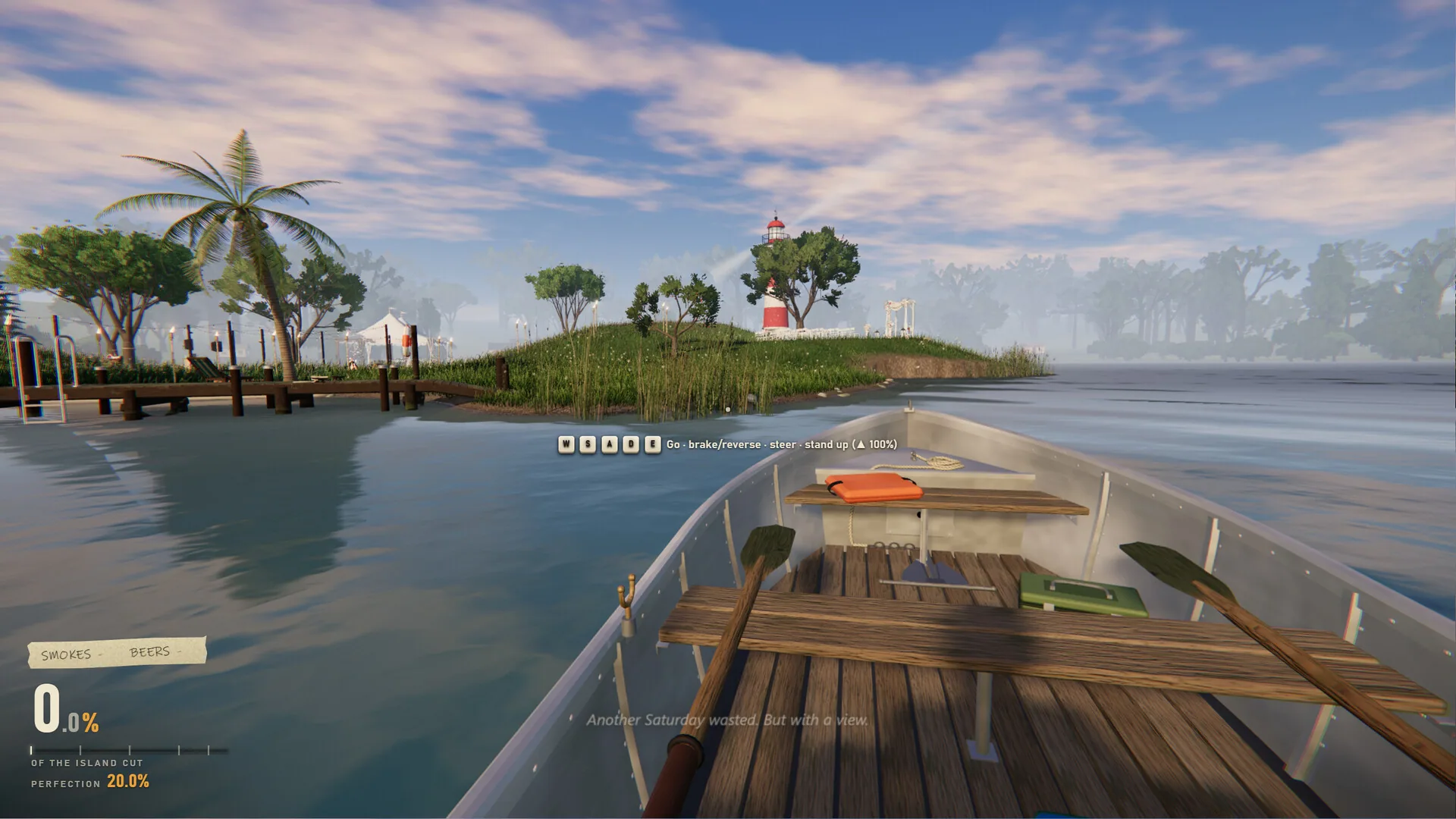
Cockpit Dashboard & Sim-Rig Driving Captures
First-party Steam captures showing the riding mower steering wheel, physical dashboard switches, and precision lawn handling.